
A wallpaper that looks black and a wallpaper that is black are different things, and on an OLED screen the difference is measurable. This guide covers the mechanism, why "dark grey" doesn't get you the same result, and how to end up with a wallpaper that's genuinely #000000.
How OLED screens actually work
An OLED or AMOLED panel - the display in every iPhone since the 13 Pro, most flagship Android phones, and a growing number of monitors, laptops and TVs - doesn't work like an LCD.
An LCD has a backlight that's always on behind the whole panel. To show black, it doesn't turn anything off; it uses a liquid-crystal layer to block the light. That's why blacks on an LCD look dark grey in a dim room, and why a black image costs exactly as much power as a white one.
OLED pixels produce their own light individually. A genuinely black pixel is a pixel that is switched off. Nothing to block, nothing leaking, no power drawn.
That one difference is where every real benefit of a true black wallpaper comes from.
Does a black wallpaper actually save battery on OLED?
Yes, on OLED - and no, on LCD.
Because black pixels are off pixels, the proportion of your screen that's true black maps directly onto how much power the display draws. The display is typically the single largest power consumer in a phone, so this isn't a rounding error.
It's the same mechanism behind system-wide dark mode on OLED phones, which is a documented battery feature rather than only an aesthetic one. A true black wallpaper applies that logic to the largest, longest-displayed image on your device.
How much you actually save depends on how much of the wallpaper is black, how bright your screen is, and how often you're looking at the home screen versus inside apps. A mostly-black wallpaper at high brightness is where the effect is biggest.
True black vs dark grey: why #000000 matters
This is the part that trips people up, and it's the whole reason this post exists.
A lot of wallpapers sold or listed as "dark" or "black" are actually very dark grey - values like #1a1a1a, #0d0d0d or #111111. Sometimes that's a deliberate design choice, because pure black can look flat next to bright icons. Often it's just black-point lift baked in during photo editing.
To your eye in a dim room, #0d0d0d and #000000 are almost indistinguishable.
To an OLED panel they are completely different states:
| Value | What the pixel does | Power draw | Burn-in wear |
|---|---|---|---|
#000000 |
Off | None | None |
#0d0d0d |
On, very dim | Low but real | Real but slow |
#1a1a1a |
On, dim | Higher | Higher |
Only #000000 actually switches the pixel off. Everything else is a lit pixel being asked to glow faintly.
Not sure if a wallpaper is truly black? Open it in any image editor and use the colour picker on the dark area. If it reads anything other than 0,0,0, it's dark grey.
Does a true black wallpaper prevent burn-in?
It reduces one contributor. It isn't a cure.
OLED burn-in happens because the organic compounds in each subpixel degrade slightly every time they're lit. Uneven wear is what makes it visible - a navigation bar, a status bar or a persistent UI element sitting in the same spot for months ages those pixels faster than their neighbours, and eventually that difference shows as a faint ghost.
A pixel that's switched off doesn't age. So a wallpaper that's black in the areas behind long-lived UI elements removes that wear from exactly the region most at risk.
What it can't do is protect you from everything else on screen. Burn-in is cumulative across all content, and no wallpaper choice offsets hours a day of the same bright app.
The palette is only half of it - the pattern matters too
Picking a #000000 palette doesn't guarantee a true black wallpaper, because the pattern decides how much of the canvas actually stays at that value.
Rendering every pattern in this app against the same true-black palette and counting literal #000000 pixels makes the spread obvious:
| Pattern | Pixels at literal #000000 |
|---|---|
| Voronoi Lines | 97% |
| Circuits | 96% |
| Topography | 94% |
| Ripples | 91% |
| Flow Lines | 91% |
| Eclipse | 88% |
| Grain Gradient | 0.1% |
| Crystals | 0% |
| Marble Ink | 0% |
Sparse, line-based and silhouette patterns leave most of the screen untouched, so most of it stays off. Patterns built on gradients or full-canvas texture - Grain Gradient, Marble Ink, Crystals - lift nearly every pixel a little way off black, which looks almost identical to your eye and gives up the entire battery and burn-in benefit.
So the rule is both halves together: a palette that opens on #000000, and a pattern that leaves it alone.
Where true black wallpapers make the biggest difference
OLED phone lock screens and home screens
This is the highest-value case. A lock screen is displayed dozens of times a day, often in always-on form, and it sits under status icons and a clock that never move. It's the single longest-displayed image on the device.
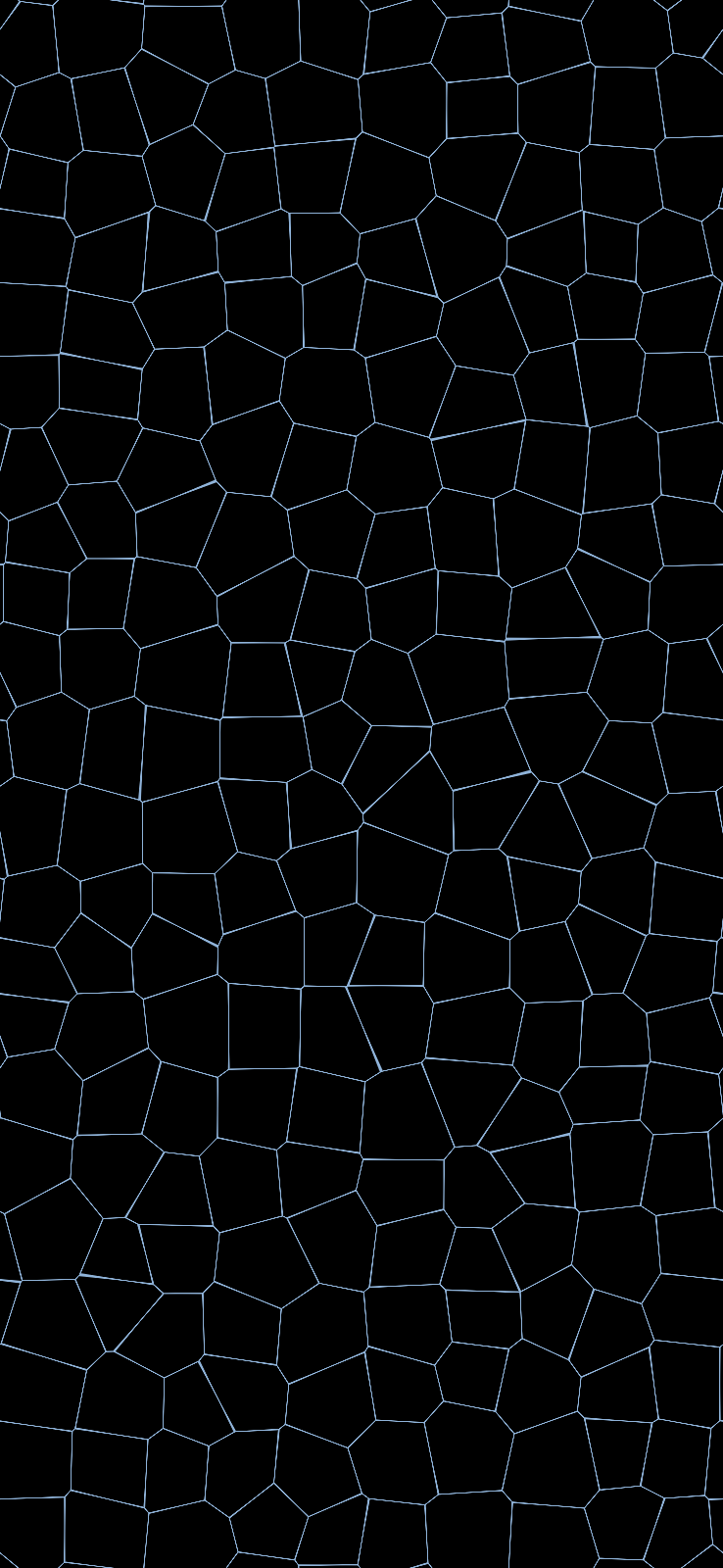
Phone, 1290×2796. About 97% of this render is literal #000000 - measured, not estimated - so on an OLED panel all but a few pixels in a hundred are switched off rather than dimly lit.
OLED monitors and laptops
OLED desktop monitors and OLED laptop panels have become common, and the same mechanism applies - with an added wrinkle. Desktop UI is far more static than phone UI: a taskbar, a dock and a menu bar sit in fixed positions for the entire working day. An OLED desktop wallpaper that's black along those edges is doing real work.

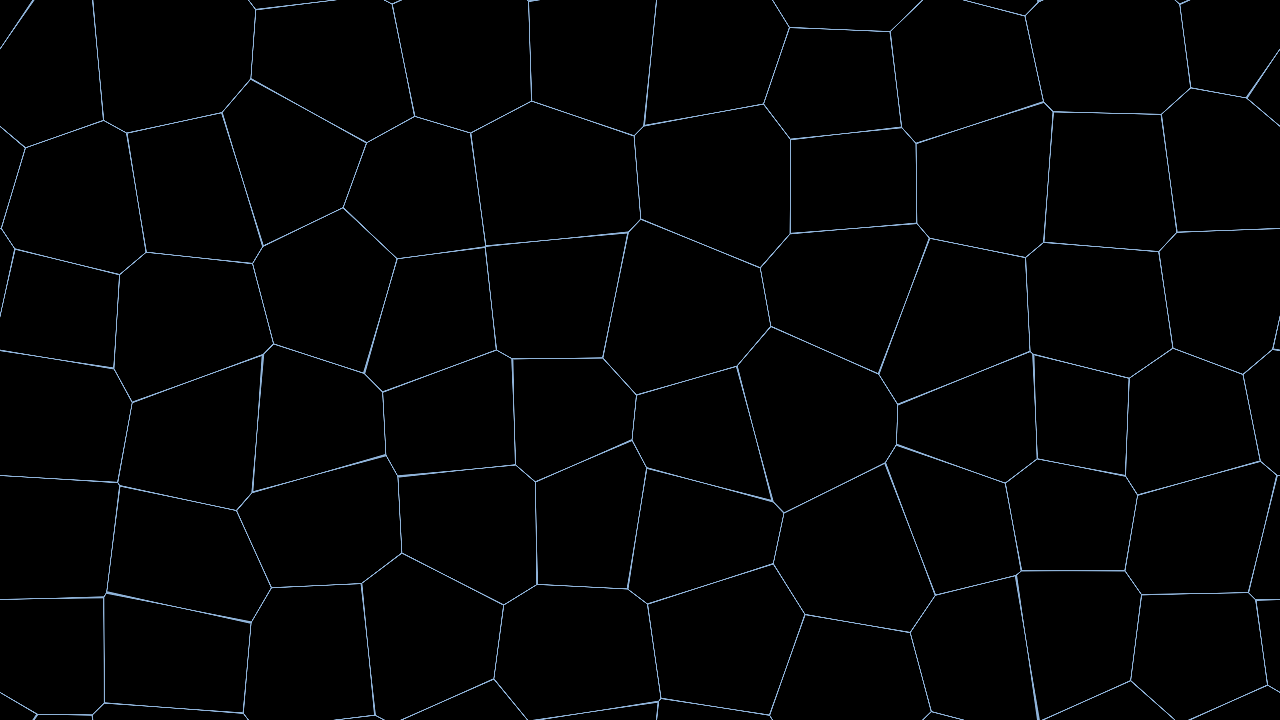
Desktop, 3840×2160. Contour lines on true black - about 94% of this one is literal #000000.
Vertical and portrait-orientation screens
A rotated monitor, or a phone held the way phones are held, spends its life in a tall aspect ratio. A wallpaper rendered natively at that shape keeps its composition instead of showing a cropped strip of a landscape image - see the vertical monitor guide.
OLED vs AMOLED: does the difference matter here?
Not for this. AMOLED (active-matrix OLED) is the variant used in essentially every modern phone; the "active matrix" part describes how pixels are addressed, not whether they emit their own light. Both switch black pixels off. Both get the same battery and burn-in behaviour from a true black wallpaper.
"OLED" has largely overtaken "AMOLED" as the common term, but if you see either on a spec sheet, this all applies.
When a black wallpaper does nothing at all
If your screen is an LCD - most budget phones, the majority of desktop monitors, most laptops outside recent MacBook Pros and OLED models - none of the above applies. The backlight is on regardless, so a black pixel costs exactly what a white one does, and there's no burn-in mechanism to mitigate.
On an LCD, choose a black wallpaper because you like it. Just don't expect battery gains from it.
It's worth being clear about this, because "black wallpaper saves battery" gets repeated as universal advice when it's specific to one display technology.
How to make a true black wallpaper
The reliable approach is to generate one rather than hunt for a file and hope its blacks are real:
- Open the editor and choose a pattern with large areas of unbroken background - subtle gradients and sparse patterns work better here than dense, busy ones.
- Pick a palette whose background value is actually
#000000- True Black, Obsidian, Void Ember and Black Pine all open on it. Most "dark" palettes do not: charcoal is #121212 and midnight is #0d1117, which are lit pixels, not off ones. - Set the size to your screen's native resolution.
- Download. No account, no signup, no watermark.
More true-black presets and sizing detail are on the OLED wallpaper page, and the iPhone wallpaper page covers phone-specific sizes.
Frequently asked questions
Is a dark wallpaper the same as a black wallpaper?
No. "Dark" usually means low-brightness colours, which are still lit pixels. "True black" specifically means #000000 areas, which are off pixels.
How much battery does a black wallpaper actually save? Enough to be measurable on OLED, not enough to transform your battery life. It's one contributor alongside dark mode, brightness and screen-on time - not a substitute for them.
Does this work on an OLED TV? The mechanism is identical, though TVs mostly display video rather than a static background, so the wallpaper case rarely comes up.
Will a black wallpaper make my icons hard to read? Usually the opposite - light icons and text have maximum contrast against true black. Watch for icons with dark edges or dark drop shadows, which can disappear.