
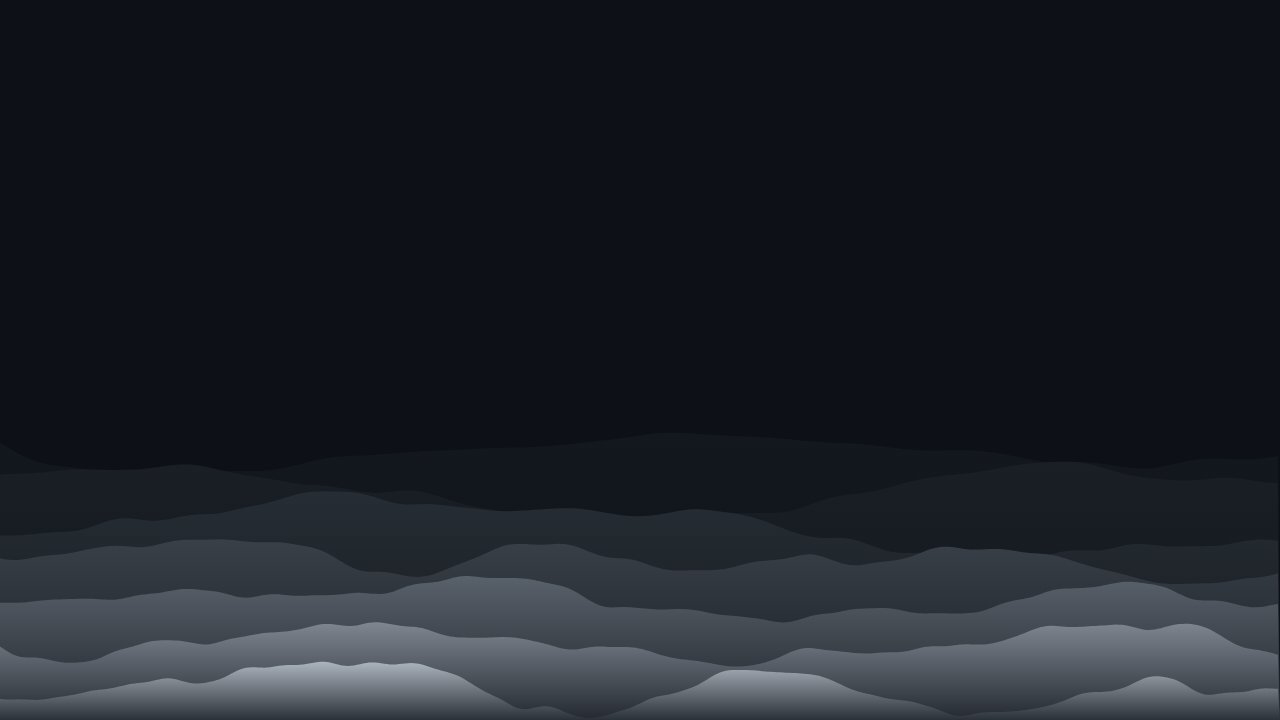
Rotating a monitor to portrait solves a real problem - more of a web page or a document visible at once - and creates a smaller one: almost every wallpaper you already own was designed for a screen wider than it is tall, and turned on its side, most of them simply do not work.
Why most wallpapers fail in portrait
A typical landscape wallpaper is composed with width to spare - a wide horizon, a subject with breathing room on either side, a gradient that sweeps left to right. Rotate the screen to portrait and that same composition is now taller than it is wide, which does not just crop the image - it inverts the entire logic of the composition. A horizon that used to run calmly across a wide frame now runs through a narrow one, and whatever used to fill the left and right edges either vanishes or gets crushed into a sliver.
What portrait orientation actually changes
The practical shift is simple to state and easy to underestimate: height becomes the dominant dimension. A composition that reads as "wide and calm" at 1920x1080 reads as "cramped and off-balance" at 1080x1920, because what used to be spare width is now spare height, and very few designs are built to use vertical space the same way.
Patterns that work well tall
- Vertical flow patterns - anything built around lines or forms that already run top to bottom rather than side to side translates directly, because the dominant direction of the pattern now matches the dominant direction of the screen.
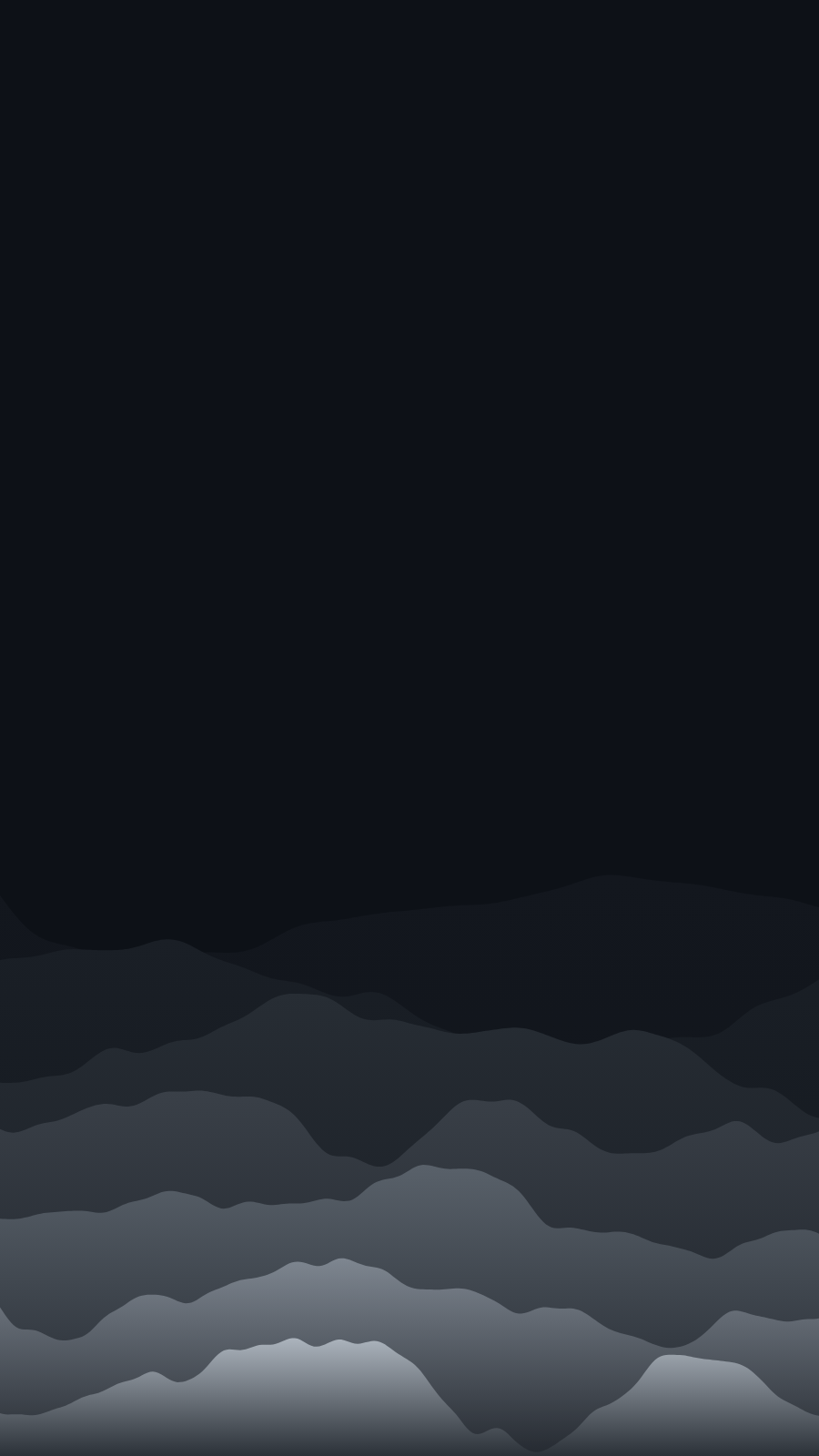
- Layered, horizontal-band patterns - a design built from stacked horizontal bands (a sunset-style gradient, layered terrain) actually gains something in portrait: more bands fit, so the layering reads as richer rather than cut off.
- Patterns with no single focal point - the same principle that matters for super ultrawide applies here in reverse: a pattern with detail distributed through the frame, rather than concentrated at one point, survives a change in aspect ratio far better than one built around a single centred subject.
Patterns that don't
- Wide horizon or landscape scenes built around a single sweeping horizontal line tend to compress badly - the one element that made the composition work becomes a thin band at the very top or bottom of a tall frame.
- Anything with a centred subject and generous side margins loses the margins entirely once the frame goes tall and narrow, and the subject ends up looking cramped rather than framed.
Text and focal points in a tall frame
If your wallpaper carries any text or a clock widget, portrait orientation genuinely helps: a tall frame naturally draws the eye top-to-bottom, which is exactly how a lock-screen clock, date, and the start of a composition are meant to be read in sequence. This is one of the few places portrait orientation is a straightforward improvement rather than a trade-off.
If you are generating your own wallpaper for a portrait monitor, start from the portrait canvas directly rather than designing something landscape first and rotating it after - the pattern's own internal proportions need to be calculated for the tall frame, not just cropped into it.
Common portrait monitor resolutions
| Monitor | Landscape native | Rotated (portrait) |
|---|---|---|
| 1920x1080 panel | 1920x1080 | 1080x1920 |
| 2560x1440 panel | 2560x1440 | 1440x2560 |
| 3840x2160 panel | 3840x2160 | 2160x3840 |
The resolution does not change when you rotate a monitor - only which number is width and which is height. A wallpaper has to be generated at the rotated dimensions, not just the panel's native ones, or it ends up sideways itself.
Getting one sized exactly right
A wallpaper generated at your monitor's actual rotated resolution - not a landscape image turned 90 degrees after the fact - is composed knowing the tall frame from the start. PattrnLab's vertical monitor page renders every pattern natively at common portrait sizes, and the editor accepts any custom width and height if your setup is not one of them.
For the technical side of actually rotating a display and setting a per-monitor wallpaper on Windows or Mac, see sizing a rotated screen properly.
Multiple portrait monitors side by side
A common setup for coding, trading, or reading-heavy work is two or three portrait monitors in a row - and it changes the design question again. Rather than one tall composition, you are effectively choosing between a single pattern repeated identically across each screen, or a coordinated set that varies slightly between them while sharing a palette. A repeated single pattern is the simpler choice and reads as clean rather than lazy specifically because the screens are already visually separated by their bezels - unlike a landscape spanning setup, there is no continuous image to interrupt.
Rotated widescreen versus a monitor built for portrait
Not every "portrait monitor" is the same shape. A standard 16:9 panel rotated 90 degrees produces a very tall, very narrow 9:16 frame - noticeably more extreme than a monitor that is closer to square before rotation, like some ultra-tall business displays. The patterns-that-work-tall advice above still applies, but the effect is more pronounced the more extreme the ratio: vertical flow patterns and layered horizontal bands hold up well even at 9:16, while anything already borderline at a gentler portrait ratio tends to break down further at a more extreme one.
FAQ
Can I just rotate my existing wallpaper to use it in portrait?
You can, but the composition was not designed for it - elements that worked at a wide aspect ratio often look cramped or oddly placed once the frame is tall and narrow. A wallpaper generated natively at the portrait resolution avoids this.
What resolution should a portrait monitor wallpaper be?
Your monitor's native resolution with width and height swapped - a 2560x1440 panel rotated to portrait needs a 1440x2560 wallpaper, not 2560x1440.
Do dark wallpapers work better than light ones on a portrait monitor?
Orientation and brightness are independent choices - what matters for portrait specifically is how the pattern uses vertical space, not how dark it is.