Dual Monitor Wallpaper - Matching Pairs for 2 Screens
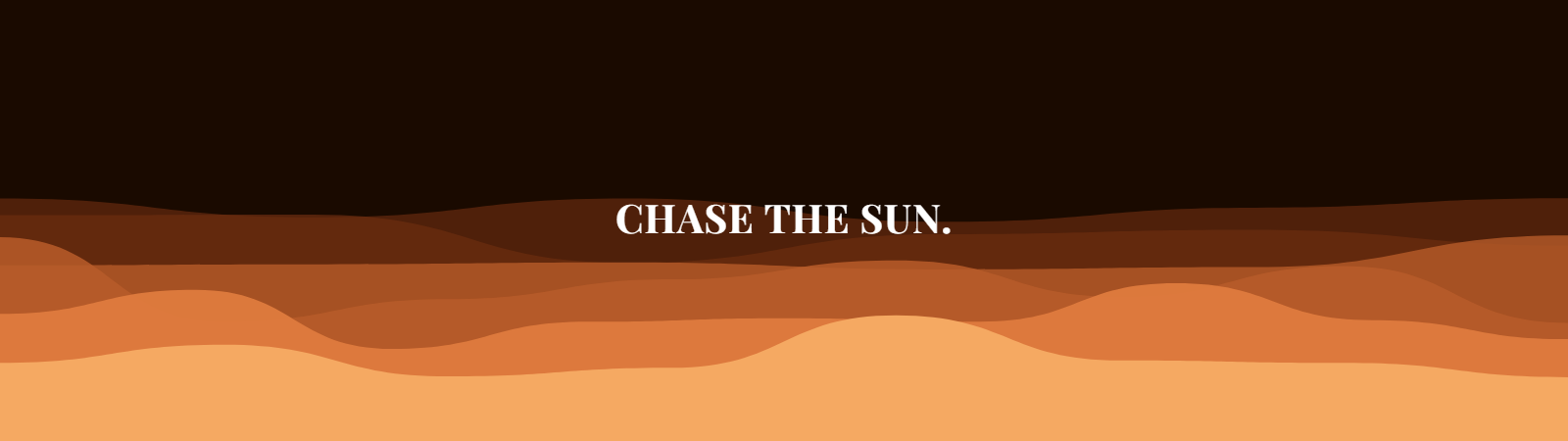
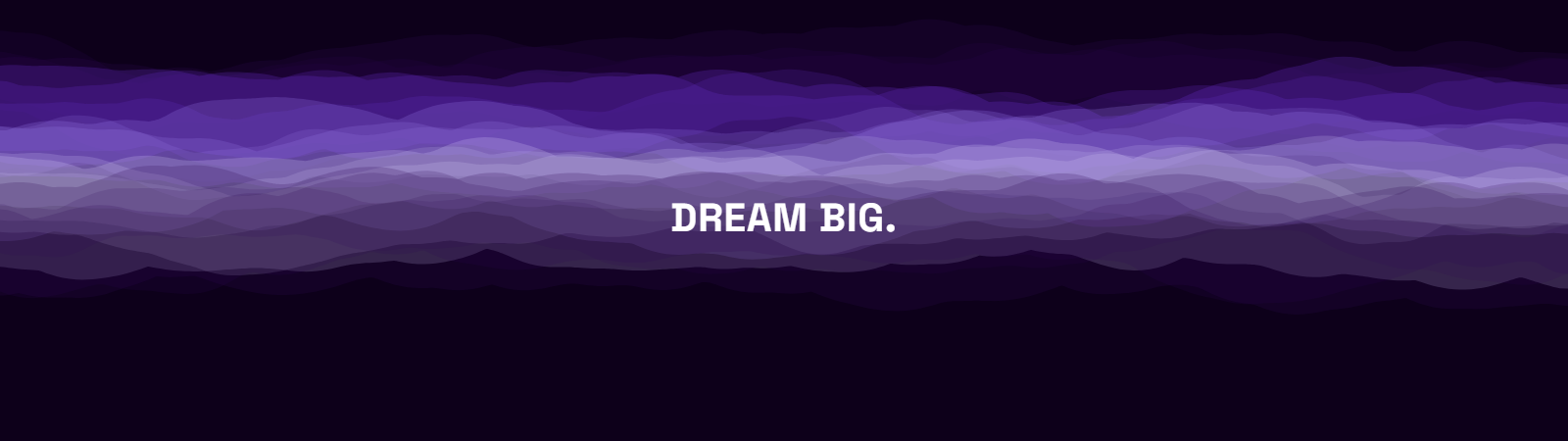
Most dual monitor wallpapers are a single wide photo, awkwardly split down the middle by the gap between your two screens. Every wallpaper below is generated at 3840×1080 - two 1920×1080 screens side by side - as one continuous composition, so patterns flow across the bezel gap instead of getting cut in half.
Click any thumbnail to open it in the live editor - tweak the palette, seed, or pattern before downloading - or grab the full-resolution file directly underneath it.
- Free wallpapers
- 34
- Resolution
- 3840×1080
- Aspect ratio
- 32:9 (dual 1080p)
- Signup
- None
34 free Dual 1080p Monitor wallpapers
 3840×1080
 3840×1080
 3840×1080
 3840×1080
 3840×1080
 3840×1080
 3840×1080
 3840×1080
 3840×1080
 3840×1080
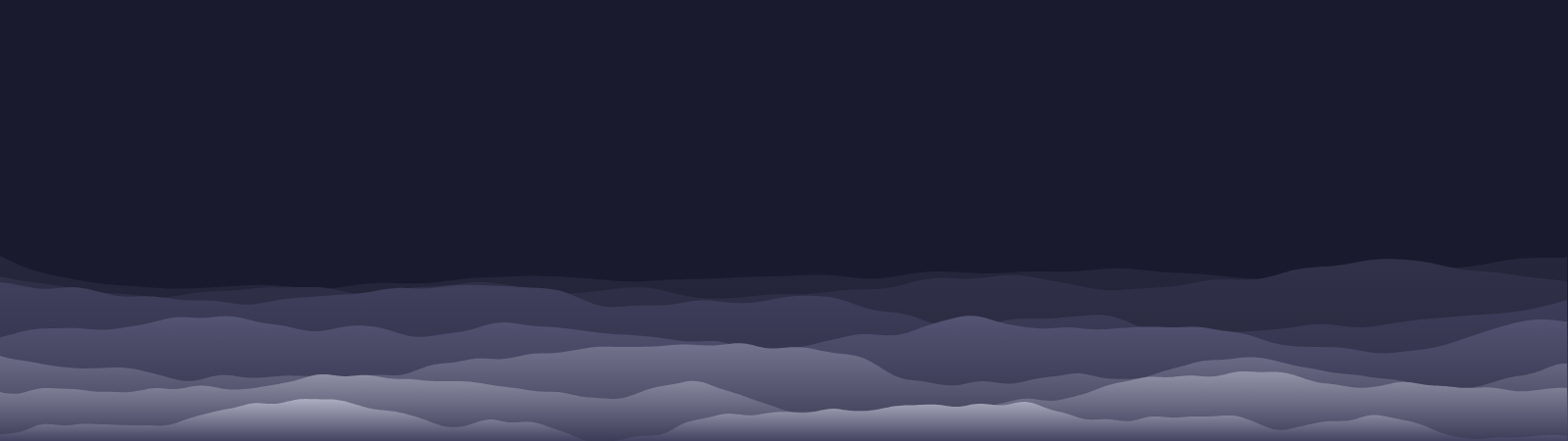 3840×1080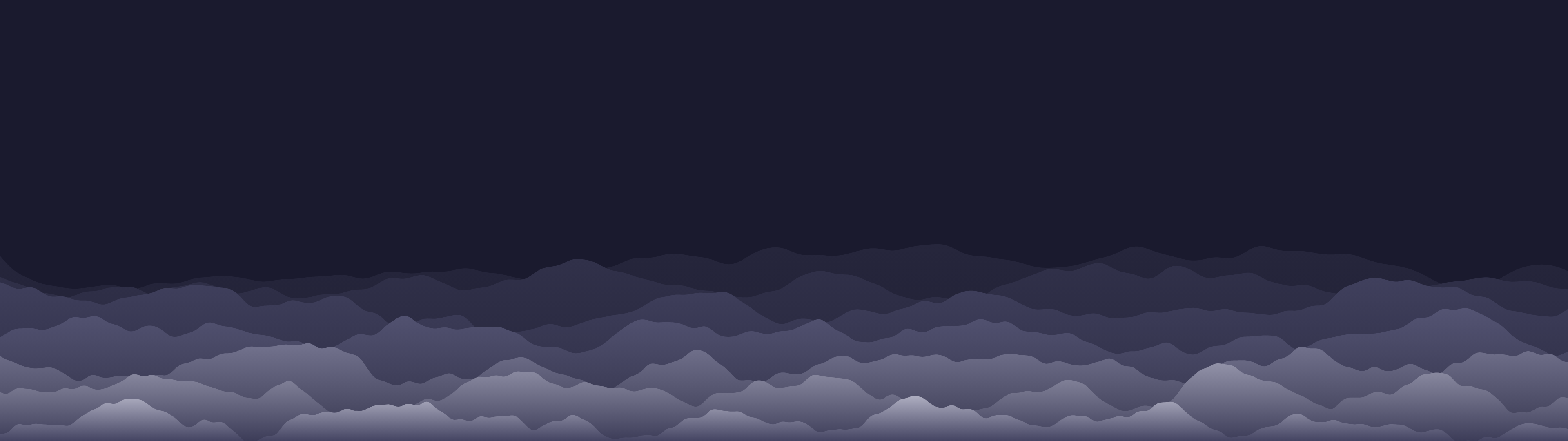
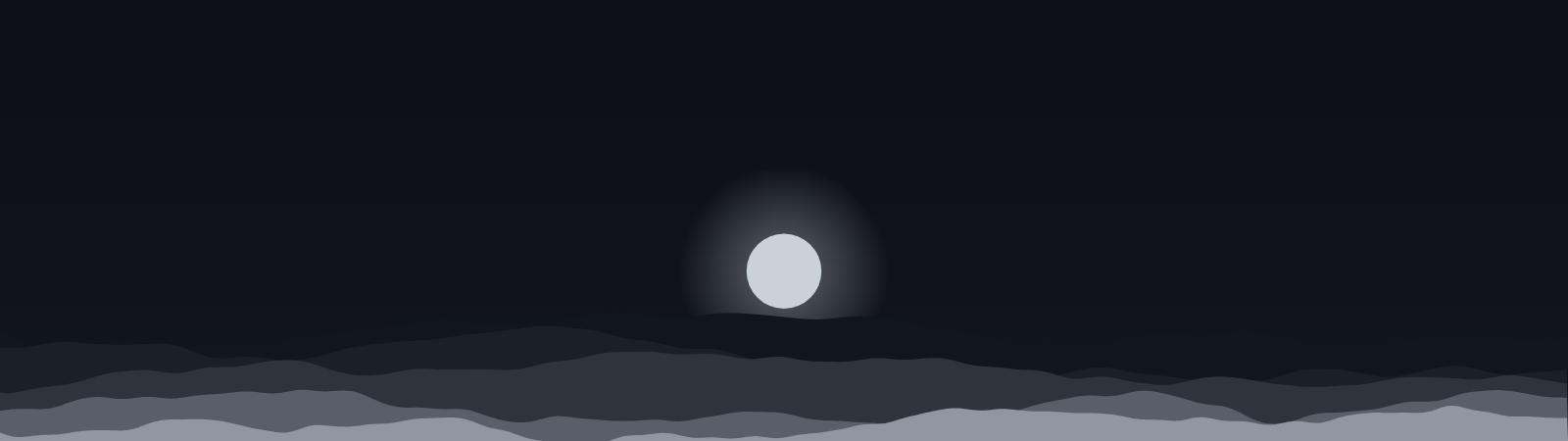 3840×1080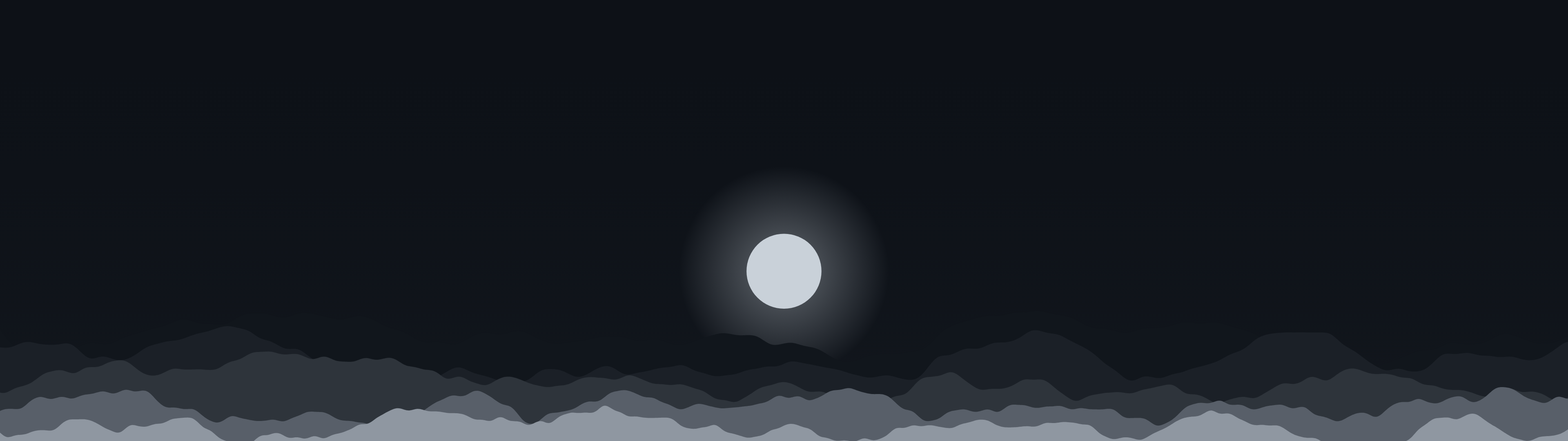
 3840×1080
 3840×1080
 3840×1080
 3840×1080
 3840×1080
 3840×1080
 3840×1080
 3840×1080
 3840×1080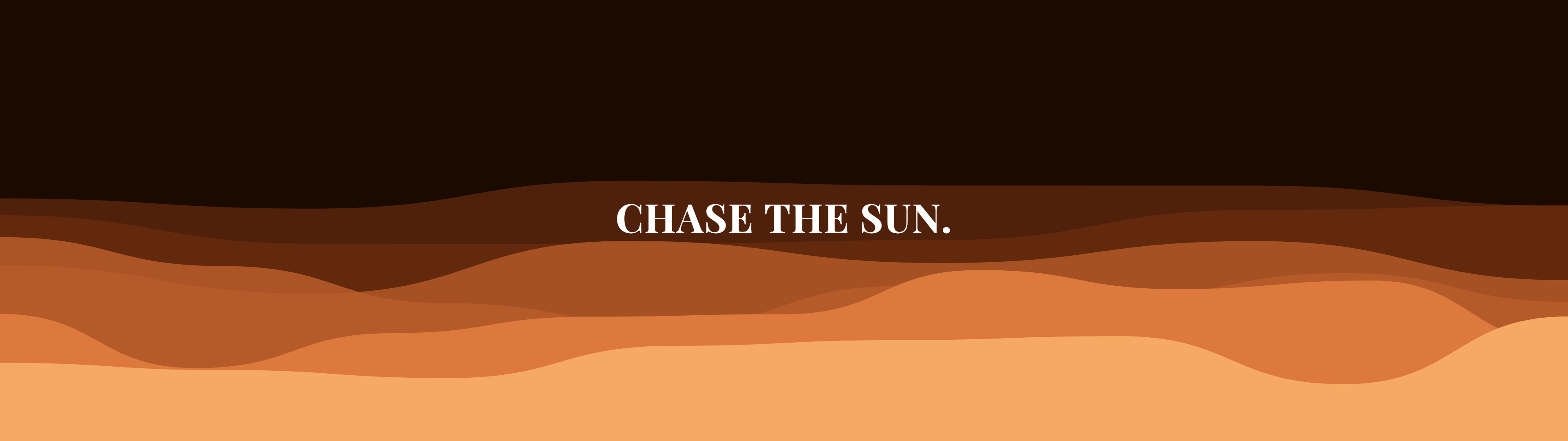
 3840×1080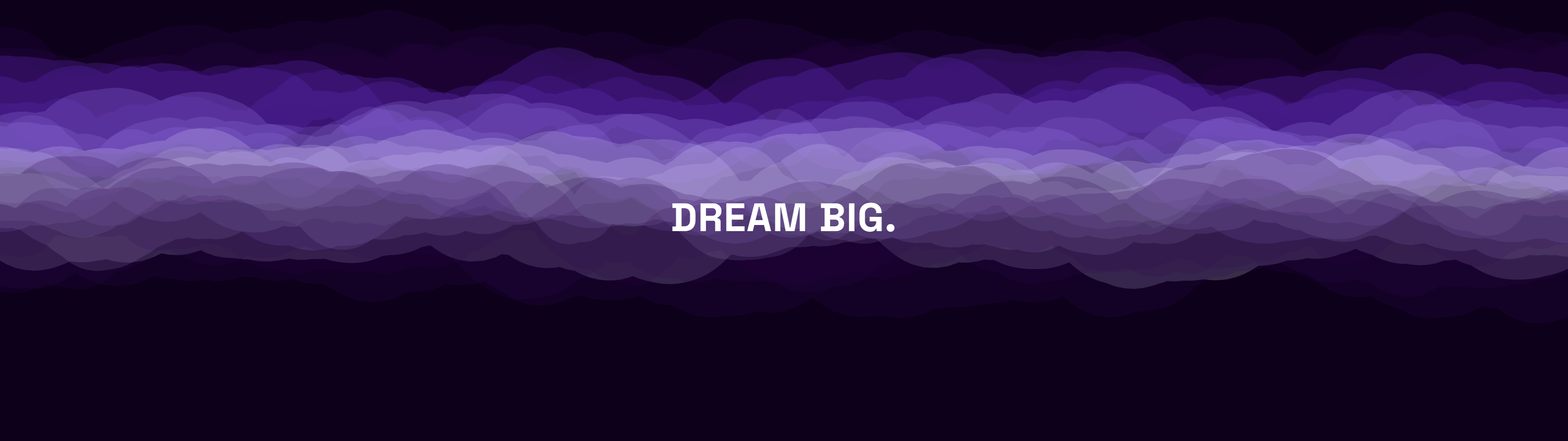
 3840×1080
 3840×1080
 3840×1080
 3840×1080
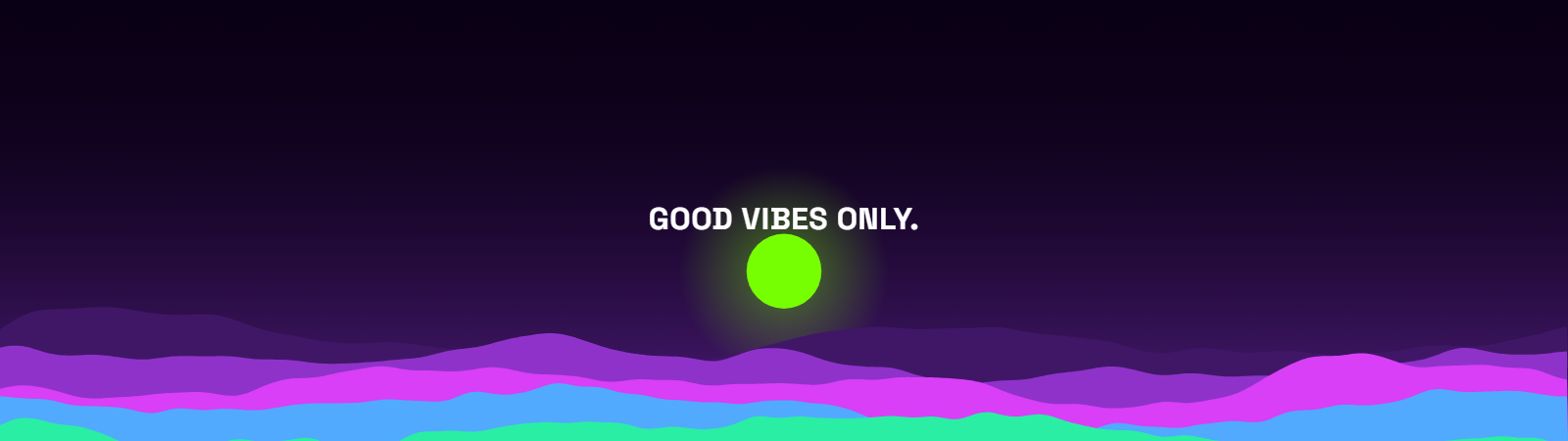 3840×1080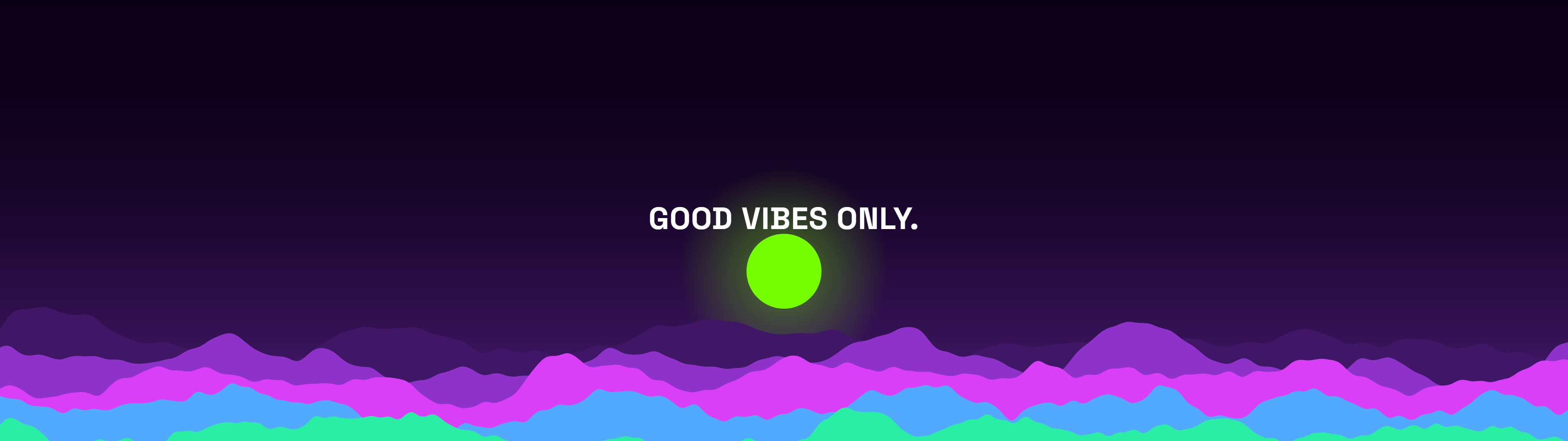
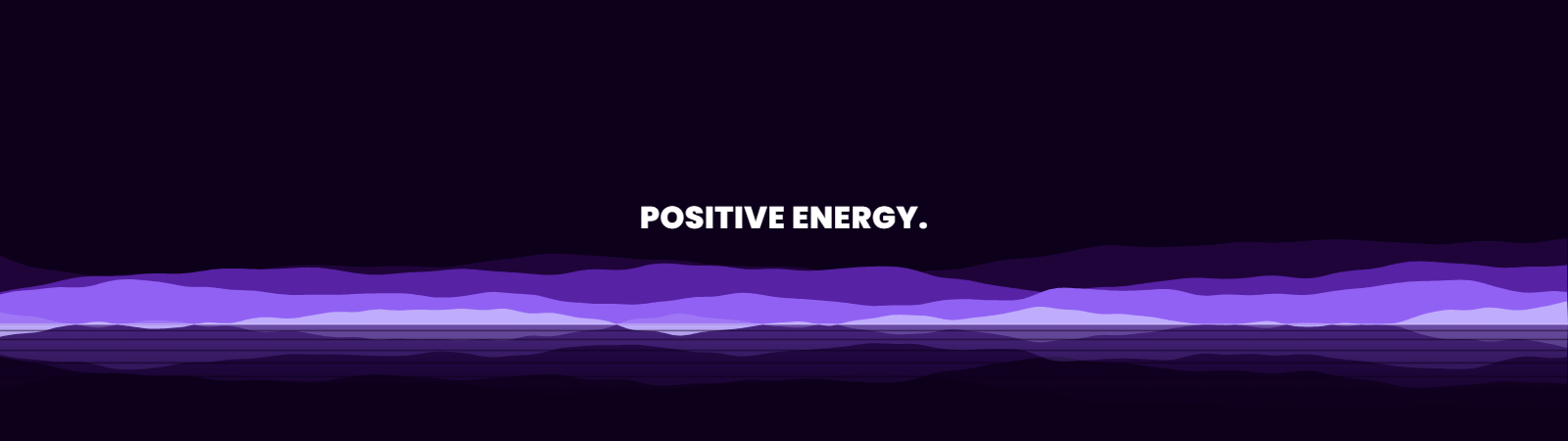 3840×1080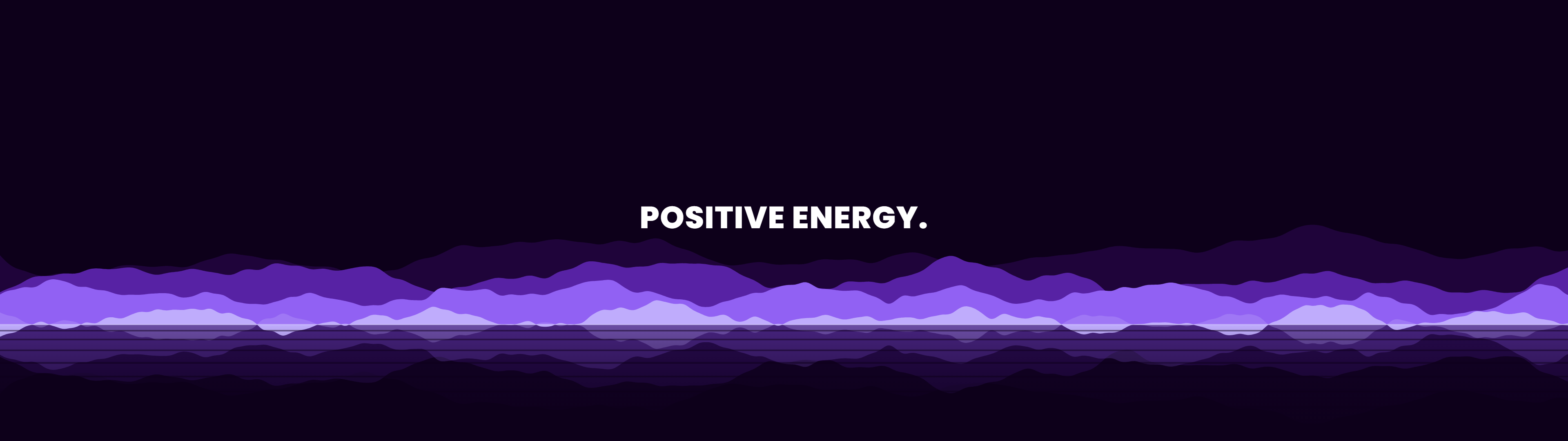
 3840×1080
 3840×1080
 3840×1080
 3840×1080
 3840×1080
 3840×1080
Dual monitor, dual screen, two-screen wallpapers
Dual monitor wallpaper, dual screen wallpaper, wallpaper for 2 monitors, 2 monitor desktop background, multi monitor background - there are dozens of ways people phrase this same search, and every wallpaper on this page fits all of them: one 3840×1080 image generated as a single continuous pattern across both of your 1920×1080 screens, not two separate images or one photo cut down the middle.
Why 3840×1080 specifically, and what if my monitors don't match?
3840×1080 assumes two identical 1920×1080 (Full HD) monitors side by side - the most common dual-monitor setup. If you run two 4K screens - a 4k dual monitor wallpaper or dual monitor wallpaper 4k setup - open any wallpaper in the editor and pick the Dual 4K (7680×2160) size preset instead - the same pattern regenerates cleanly at the larger resolution. If your two monitors are genuinely different sizes or orientations, a true single-image span won't line up correctly across the bezel gap.
One wallpaper spanning two screens vs. two different wallpapers
Windows and macOS both let you set two completely different wallpapers, one per monitor, instead of a single spanning image - worth doing if you'd rather each screen have its own look. This page is for the other case: one seamless composition that treats both monitors as a single wide canvas, which is what a spanning multi-monitor background actually needs.
Frequently asked questions
What resolution is a dual monitor wallpaper?
3840×1080 pixels - two 1920×1080 (Full HD) monitors placed side by side, treated as one continuous canvas.
Will this work if my two monitors are different sizes?
A single spanning image assumes two matching 1920×1080 screens. If your monitors differ in size or resolution, the pattern won't align correctly across the bezel gap - consider two separate wallpapers instead.
What about two 4K monitors side by side?
Open any wallpaper in the editor and pick the Dual 4K (7680×2160) size preset instead of the 3840×1080 default - the same pattern regenerates cleanly at that larger resolution.
Can I use a different wallpaper on each monitor instead of one spanning image?
Yes - both Windows and macOS support per-monitor wallpapers natively. This page is specifically for the single-image, spans-both-screens approach.