
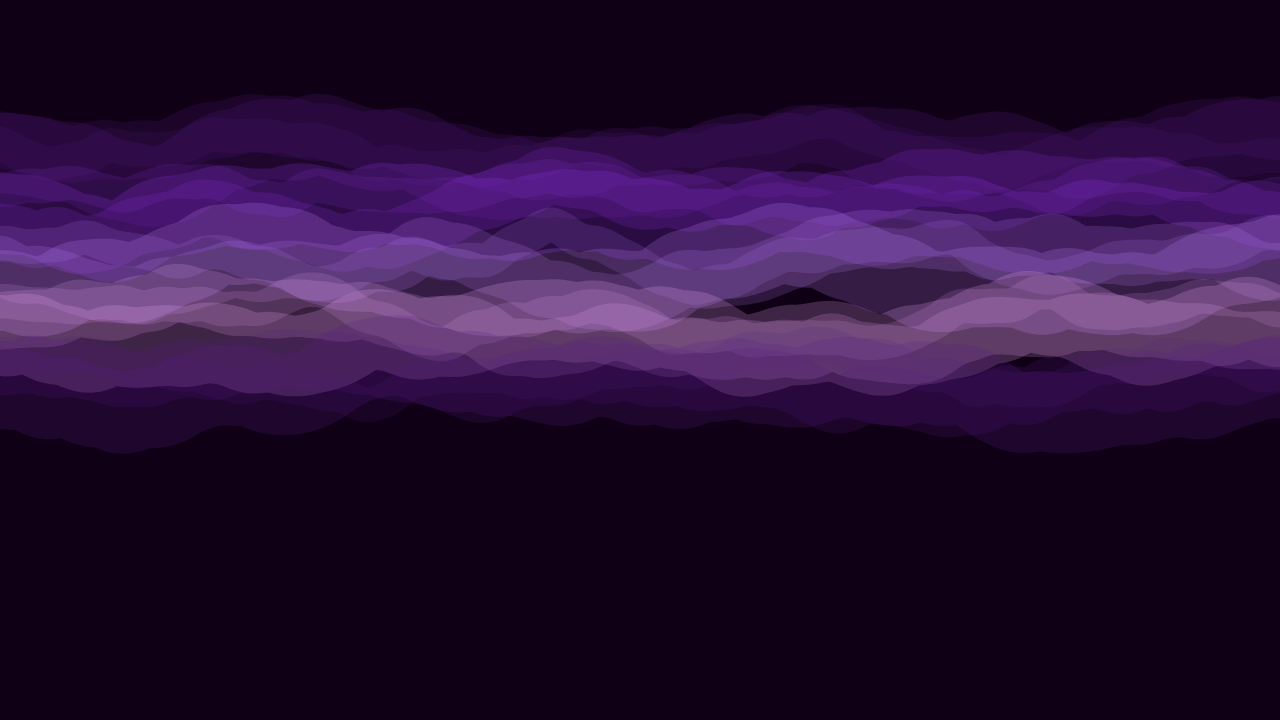
A super ultrawide screen is not a bigger version of a normal monitor - it is a fundamentally different shape, 3.56 times as wide as it is tall, and most designs simply were not made with that proportion in mind. Some patterns genuinely thrive at this width. Others fall apart the moment you stretch them across it.
Why most wallpapers don't work at super ultrawide
The overwhelming majority of wallpaper designs - photographs especially - are composed around a single subject sitting somewhere near the centre, with everything else as supporting space. That works fine at a normal screen's proportions. At 5120x1440, the same composition puts its one subject in the middle of an enormous empty plain, with nothing of interest happening across most of the visible width.
The patterns that genuinely work here share one trait: they have no single focal point to get lost. Interest is distributed, not concentrated.
Horizon and landscape-style patterns
A pattern built around a horizon line - something splitting the frame into a calmer upper region and a more detailed lower one - reads naturally at super ultrawide, because a horizon is already a wide, continuous element by nature. It does not need a centre to work; it just needs to keep going.
Flowing line patterns
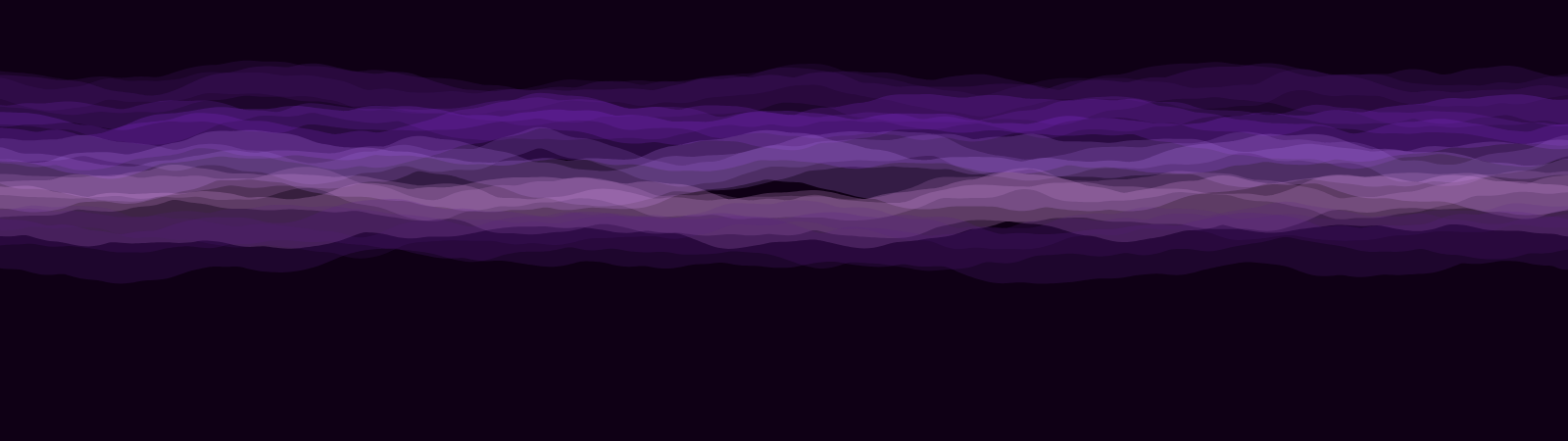
Patterns built from continuous lines that run the full width - waves, contours, threads - hold up for the same reason: there is detail everywhere along the frame, not just in the middle. Your eye can land anywhere across the full 5120 pixels and find something happening.
If a pattern looks genuinely interesting cropped to a square in the middle, it is probably going to feel empty at the edges once stretched across 32:9. Look for patterns that stay interesting corner to corner, not just in the centre.
Gradient and colour-field patterns
A smooth, considered colour transition across the full width can work extremely well at this size specifically because it does not pretend to have detail it does not have. A gradient does not need a focal point - the colour itself is the content, and it reads as deliberate at any width.
What to avoid
- Anything with one clear subject - a single mountain peak, a single object, a face - ends up stranded in the middle third of the screen with two mostly-empty wings on either side.
- Busy, dense patterns with no large-scale structure - fine detail that reads as texture at normal size often turns to visual noise once stretched across 5120 pixels, with nothing larger-scale to organise it.
- Anything symmetric around a centre point - symmetry that looks balanced on a normal screen can look like it is straining at both edges of a 32:9 one.
A pattern genuinely built for this shape, versus one adapted to it
This is the real distinction worth checking before you download anything. A wallpaper generated natively at 5120x1440 is composed knowing the full width from the start - a horizon pattern's curve, a line pattern's rhythm, is calculated across the actual canvas. A wallpaper that is merely resized to 5120x1440 keeps whatever composition it had at its original size and just stretches or tiles to fill the gap, which is the stretching/cropping problem covered in more depth here.
Where to find patterns built this way
Every design in PattrnLab's super ultrawide collection renders natively at 5120x1440, not resized from a smaller composition. You can preview any of them in the live editor and adjust the palette before downloading.
Leaving room for your taskbar and desktop icons
At 5120 pixels wide, most desktop clutter - a taskbar, a dock, a row of icons down one edge - occupies a much smaller fraction of the screen than it does on a normal monitor, which is easy to forget while picking a wallpaper on a smaller preview image. A pattern that looks perfectly balanced in a browser preview can end up with its most interesting detail sitting directly behind where your dock lives. Previewing a candidate wallpaper at or close to full size, rather than judging it from a thumbnail, catches this before you commit to a download.
Matching the wallpaper to your actual desktop colour scheme
A super ultrawide screen shows far more of the wallpaper at once than a normal monitor does, which makes a colour clash with your taskbar, dock, or window chrome more noticeable than it would be elsewhere. Picking a palette that sits reasonably close to your system theme - rather than fighting it - tends to read as considered rather than accidental, simply because there is so much more of the wallpaper visible around everything else on screen.
FAQ
What makes a wallpaper good for a super ultrawide monitor specifically, not just any wide screen?
Distributed interest rather than a single focal point - detail or structure that continues across the full 5120-pixel width rather than concentrating in the centre third.
Do dark or light wallpapers work better at super ultrawide?
Neither inherently - the composition matters more than the brightness. A dark wallpaper with no distributed structure has the exact same empty-middle problem as a light one.
Can photographs work as super ultrawide wallpapers?
Some do, if the subject itself is wide and continuous - a real horizon, a long coastline. Most portrait or single-subject photography does not translate well, for the reasons above.