
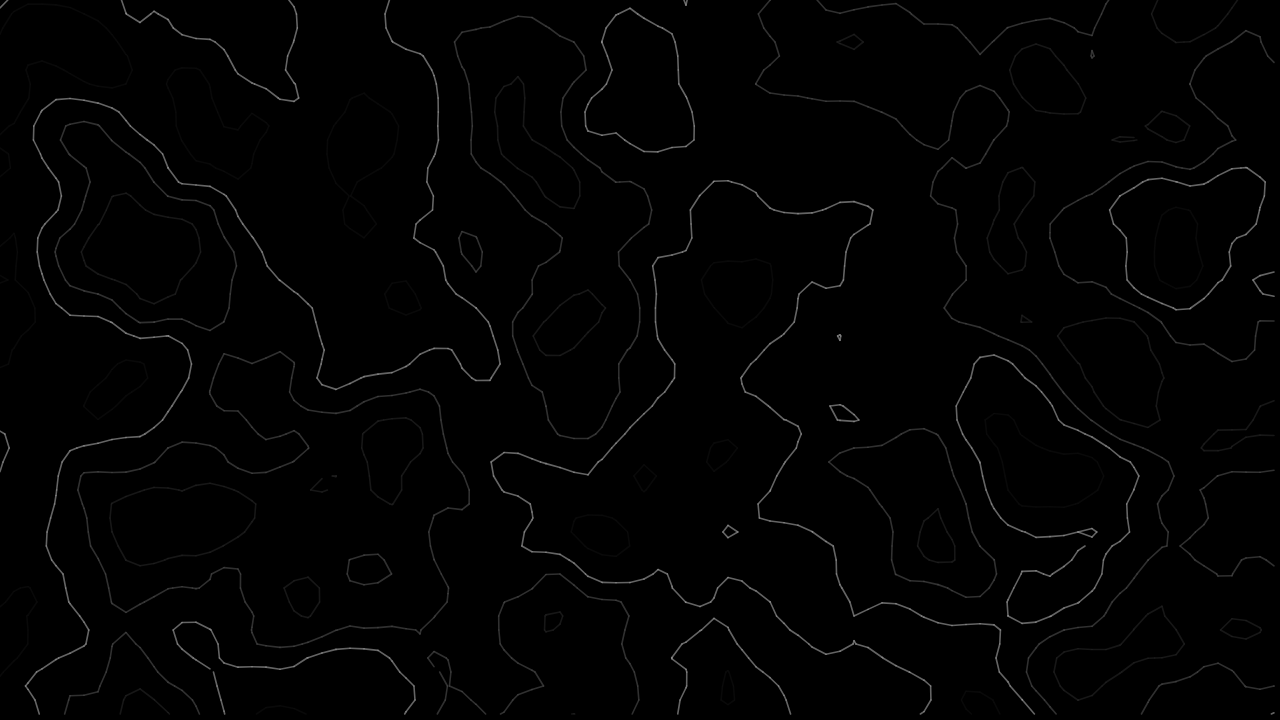
A black OLED wallpaper is not just any dark image - it is a design problem with its own rules. Most of the canvas has to stay genuinely black for the OLED and battery benefits to mean anything, which rules out a lot of patterns that look fine as a generically "dark" wallpaper but are not actually built around true black.
What makes a pattern actually work in true black
The constraint is specific: most of the frame needs to stay at literal #000000, with the pattern itself reading as a smaller amount of detail sitting on top of it - not a dark background with a busy design covering most of the space. A pattern that happens to use dark colours is not the same thing as a pattern built around black as the dominant field.
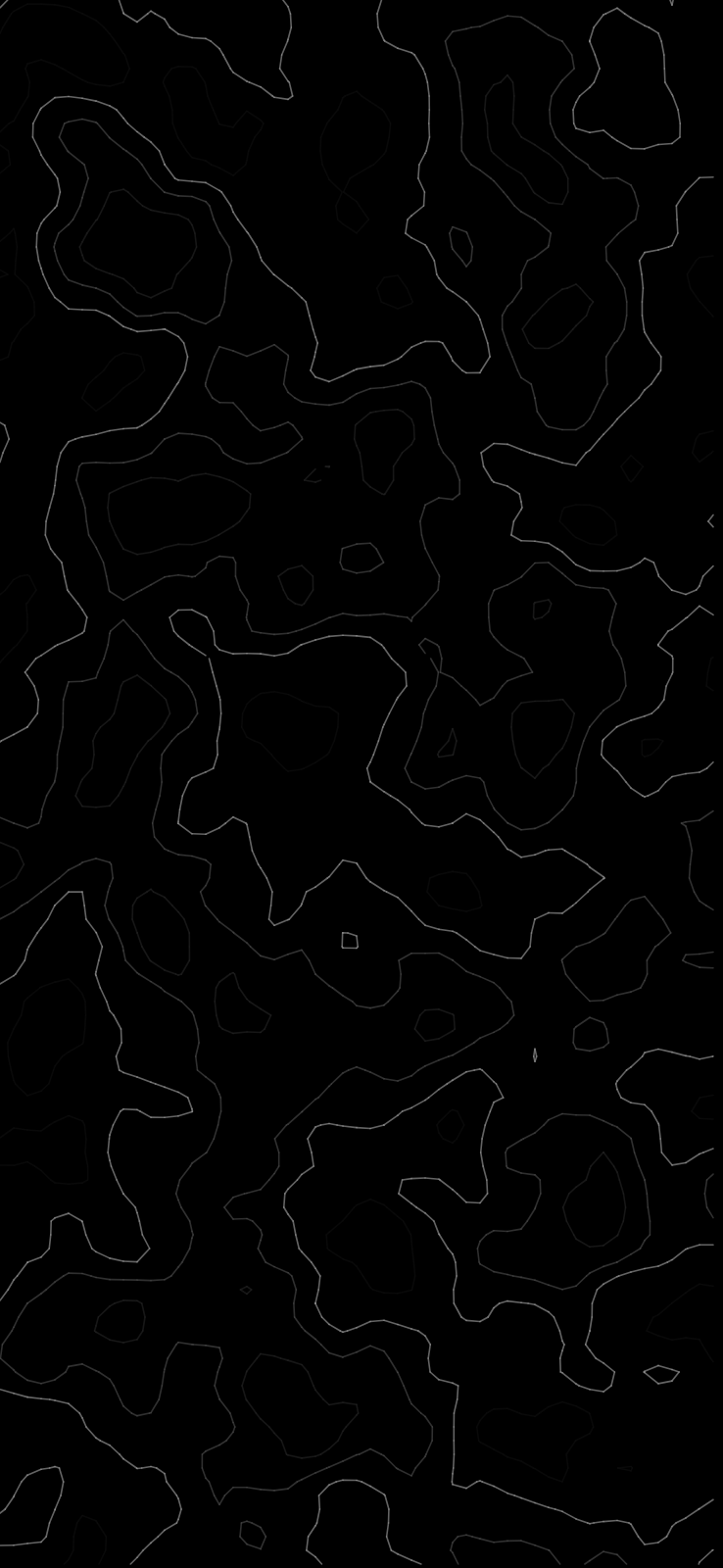
Thin-line patterns on black
Fine, sparse linework - contour-style lines, a handful of flowing threads - is the strongest fit for this constraint. Most of the canvas stays pure black between the lines, the lines themselves carry all the visual interest, and the result genuinely keeps the majority of the screen switched off on an OLED panel.
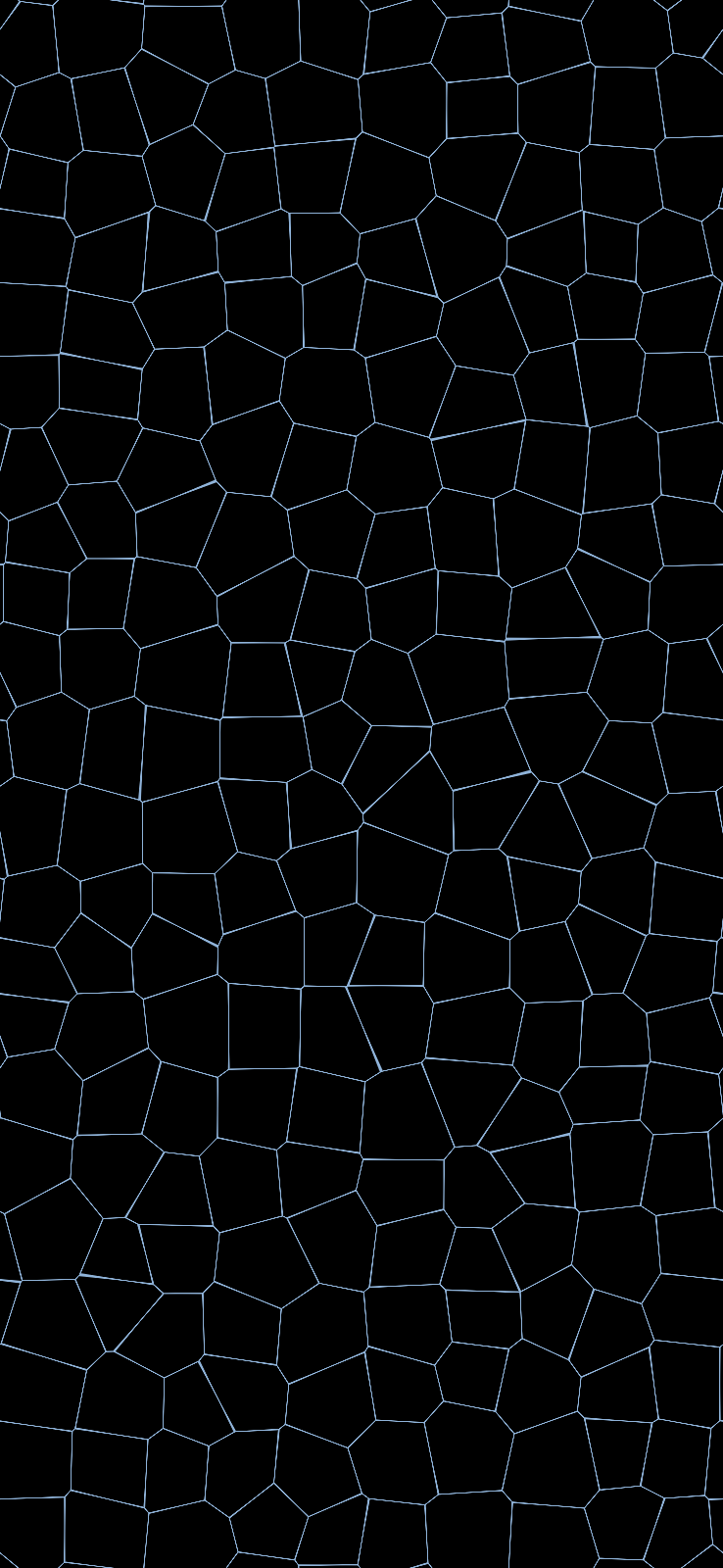
Scattered point and dot patterns
A small number of points or nodes, connected by faint lines or left to float on their own, works for the same reason - sparse detail against a dominant black field, rather than dense coverage that happens to be dark-coloured.
Gradient-into-black patterns
A design that fades from a small amount of colour at one edge into solid black across most of the frame gets the best of both: a genuine visual element where it matters, and a large true-black field everywhere else. This is a different approach from a uniformly dark gradient, which rarely reaches literal #000000 anywhere.

What to avoid
- Anything described as "dark" rather than "black." Dark grey - commonly
#121212, a legitimate and common choice for app interfaces - looks black at a glance and does none of the OLED battery or burn-in work true black does. How to check the difference covers this in more depth. - Dense patterns that happen to use a dark palette. If most of the pixels are lit, even dimly, the design is not working with true black as a canvas - it is just a dark-coloured busy pattern.
- Photographs claiming to be "black." A photographed dark scene almost never contains literal pure black; sensor noise alone usually puts every pixel a few values above zero.
Picking one for iPhone specifically
The same design principles apply on iPhone, with one addition: iPhone's lock screen places the clock and any widgets in the upper portion of the screen, so a pattern with detail concentrated toward the bottom - letting the top stay cleanly black behind the time and date - tends to read better than one with detail spread evenly top to bottom. More on iPhone-specific true black wallpapers, including which iPhone models are actually OLED.
Picking one for Android
Most Android OLED phones - Samsung's Galaxy S and Note lines, Google's Pixel line from the Pixel 2 onward - place lock-screen elements differently from iPhone, commonly a centred clock rather than one anchored to the top. A pattern with its detail spread more evenly, or concentrated toward the centre rather than the bottom, tends to suit that layout better than the bottom-weighted approach that works well on iPhone. Always-on display is worth checking for specifically on Android, since it is where a true black background does the most real battery work - the screen is showing something for hours rather than seconds.
Does the rest of the palette matter, or only the black?
The non-black portion still affects battery, just by a smaller margin than the black field does. A pattern that is 85% true black with bright, fully-saturated accent colours in the remaining 15% draws more power in that visible portion than the same pattern with a dimmer, lower-saturation accent - OLED power draw scales with both how much of the screen is lit and how bright those lit pixels are. It is a secondary effect next to how much of the frame is genuinely black, but it is a real one, not a myth, covered in more detail in the battery breakdown here.
Checking what you download
Whatever pattern you end up choosing, confirm the file is genuinely #000000 before relying on it for battery or burn-in benefits - plenty of wallpapers labelled "black" are not. The full checking method takes under a minute on any platform.
Where to find patterns built this way
PattrnLab's true black collection only uses patterns generated against a literal #000000 background - nothing here is a dark-grey approximation. You can preview any of them and recolour the pattern itself (never the black field) before downloading.
FAQ
What's the difference between a "dark" wallpaper and a "black" one?
Dark means a low-brightness colour that is still a lit pixel on OLED - commonly #121212. Black specifically means #000000, a pixel that is switched off. Only the second gives any OLED battery or burn-in benefit.
Is a black OLED wallpaper for iPhone different from one for Android or desktop?
The underlying file format is the same; what differs is the resolution and, loosely, where detail is best placed given each platform's lock-screen layout - see the iPhone section above.
Can a pattern be mostly black and still look good, or does it end up boring?
Sparse, deliberate detail against a true black field reads as considered rather than empty - the patterns above (thin lines, scattered points, gradient-into-black) are all built around that idea rather than trying to fill the space.