
Most wallpaper sites hand you a single image at a single size. That's fine if you only ever look at one screen. The moment you also have a laptop, a monitor at your desk, and a phone in your pocket, that one image starts doing three jobs it was never designed for.
This guide covers why that happens, what resolution each of your screens actually needs, and how to end up with one design that looks deliberate on all of them instead of three unrelated images that happen to share a colour.
Why one wallpaper file never fits every screen
Open the same downloaded file on a 16:9 laptop and a 21:9 ultrawide and you'll see the problem immediately. The ultrawide version is either letterboxed with black bars down the sides, or the operating system crops the sides off to fill the frame. Neither of those is "your wallpaper" any more - it's a fragment of it, or it's your wallpaper sitting in a box.
The same thing happens in the other direction. Put a desktop wallpaper on a phone and you get the middle 20% of the composition, blown up and slightly soft, with whatever made the image interesting sitting somewhere off-screen.
Aspect ratio, not resolution, is what actually breaks
Most people reach for resolution first - "I'll just download the biggest one" - and it doesn't help, because the thing that breaks a wallpaper across devices isn't pixel count. It's shape.
A 3840×2160 image and a 3440×1440 image have a similar number of pixels. They are not remotely the same shape. One is 16:9, the other is 21:9. Dropping either into the other's screen means cropping or scaling, and both throw away part of what you downloaded.
The aspect ratios your devices actually use
| Device | Typical resolution | Aspect ratio |
|---|---|---|
| Standard monitor / laptop | 3840×2160 | 16:9 |
| Ultrawide monitor (34") | 3440×1440 | 21:9 |
| Super ultrawide (49") | 5120×1440 | 32:9 |
| MacBook Air | 2880×1800 | 16:10 |
| iPhone 15 Pro | 1290×2796 | ~19.5:9 (portrait) |
| Android flagship | 1440×3200 | 20:9 (portrait) |
Six shapes. A single image can genuinely suit one of them.
What a cropped 4K wallpaper loses on an ultrawide monitor
When you set a 3840×2160 desktop wallpaper 4K image on a 3440×1440 ultrawide, your OS scales it up until it covers the width, then cuts off the top and bottom. In practice that removes roughly a third of the vertical composition - and on most wallpapers, the top third is where the sky, the light source, or the negative space that made it feel calm actually lives.
You don't notice the crop as "missing pixels". You notice it as the image feeling tighter and busier than it looked in the preview.
Why a generated wallpaper survives what a photo can't
Here's the part that matters, and it's the reason PattrnLab is a generator rather than an image library.
A photo is a fixed grid of pixels. Once it exists, every screen it doesn't fit has to be served by cutting it down or stretching it. There is no other option - the information for the missing area was never captured.
A generated wallpaper isn't a fixed grid. It's three ingredients - a pattern, a colour palette, and a numeric seed - that get redrawn from scratch at whatever size you ask for. Many of the patterns branch on the shape they're given, which means a wide canvas gets a composition built for a wide canvas, and a tall one gets a composition built for a tall canvas. Same recipe, genuinely different render.
The same design at three real resolutions
Here's the same pattern, palette and seed, rendered natively at three completely different aspect ratios. Nothing is cropped or stretched between them:
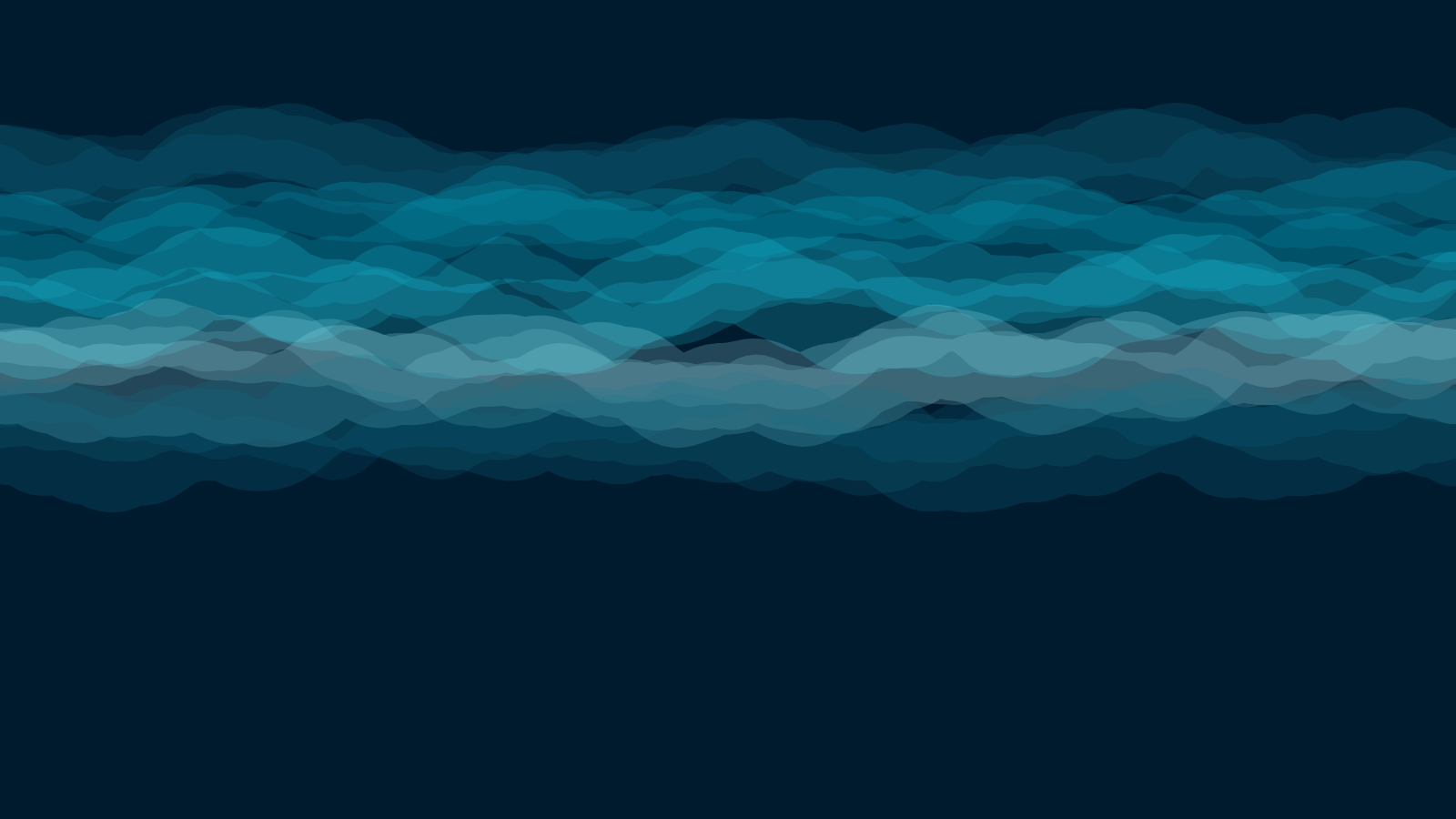
Desktop wallpaper 4K, 3840×2160. The full curtain of light stretches corner to corner.
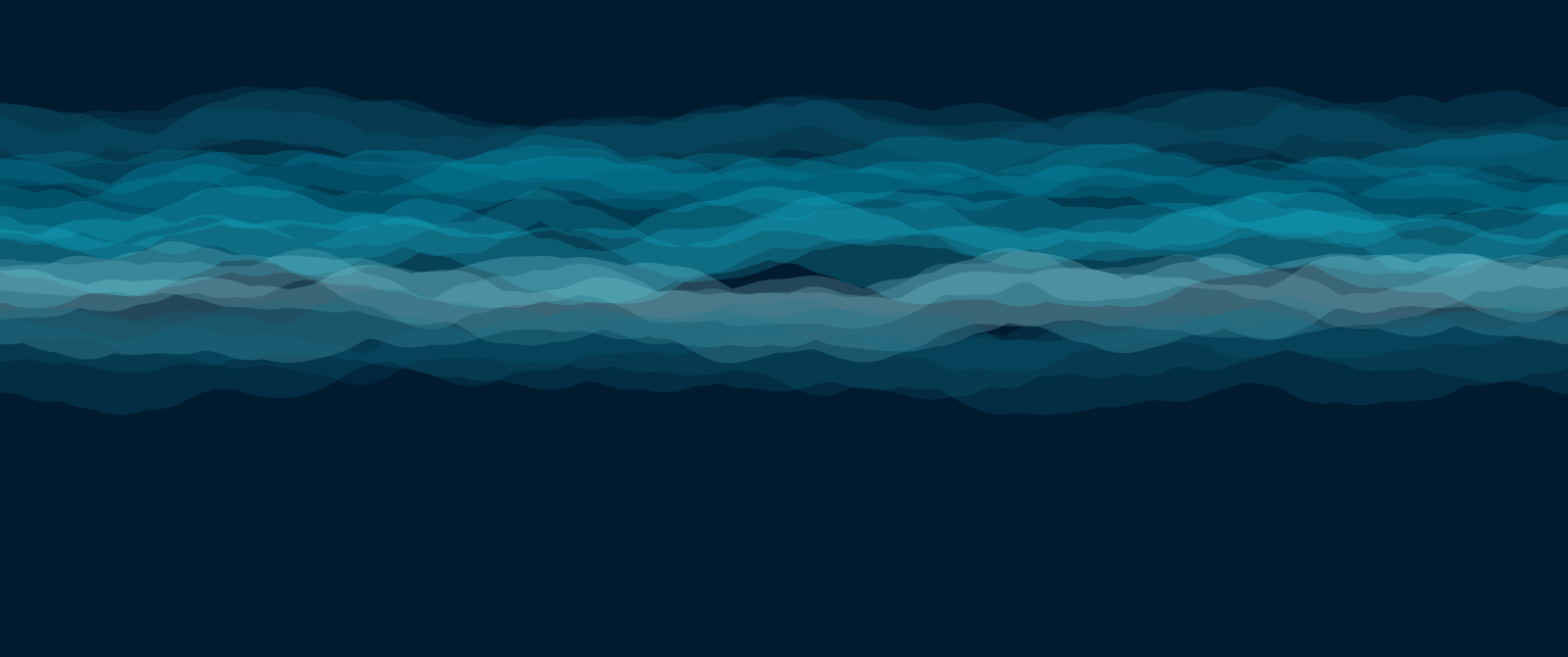
Ultrawide wallpaper, 3440×1440. Same seed, same colours - but this isn't the desktop image squeezed sideways. It's a fresh render built for a wider, shorter canvas, so the composition fills the frame instead of getting letterboxed.
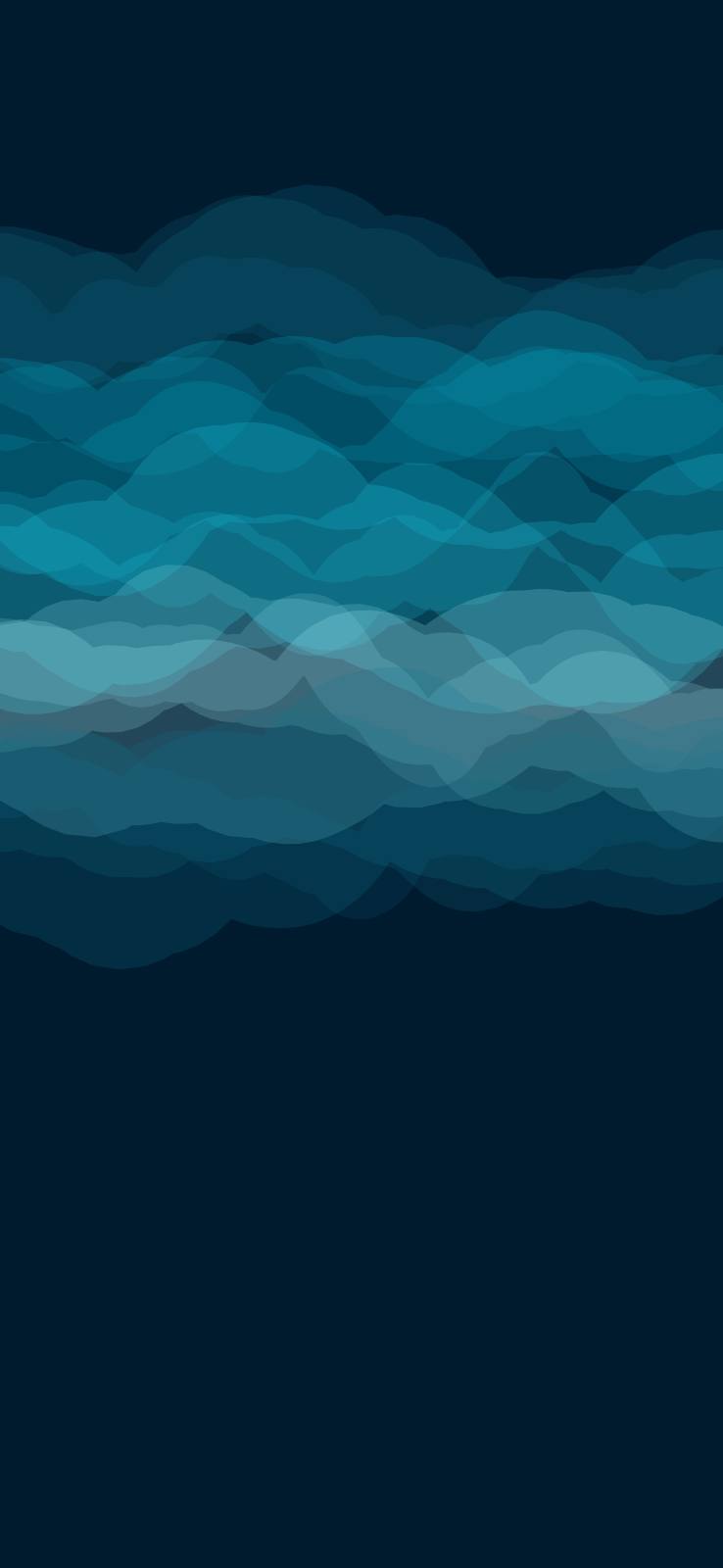
iPhone wallpaper, 1290×2796. Flip to a tall, narrow canvas and the same pattern reorganises around a vertical composition, rather than showing a thin cropped strip of the desktop version.
All three came from the same three inputs. Change the seed and you get a different design - but the desktop, ultrawide and phone versions of that design will always belong together.
What resolution does each device need?
Desktop wallpaper 4K (3840×2160)
3840×2160 is the actual 4K UHD standard and the safe default for any modern 16:9 monitor or laptop. If your screen is 2560×1440 or 1920×1080, a 4K file still looks perfect - it scales down cleanly. Scaling up is what hurts.
Ultrawide wallpaper (3440×1440 and 5120×1440)
A 34" ultrawide is 3440×1440 at 21:9. A 49" super ultrawide is 5120×1440 at 32:9 - twice as wide as it is tall. These are different enough that a wallpaper made for one looks wrong on the other, which is why they get separate guides: ultrawide and super ultrawide.
MacBook wallpaper (Retina sizes)
Apple doesn't advertise these by pixel count, so most people don't know their own: MacBook Air is 2880×1800, the 14" Pro is 3024×1964, and the 16" Pro is 3456×2234. All three are 16:10-ish, slightly taller than a standard monitor. Full detail on the MacBook wallpaper page.
iPhone wallpaper 4K and Android
Phones are tall and narrow, and their exact numbers vary more than desktops do. 1290×2796 covers recent iPhone Pro models and 1440×3200 covers most Android flagships. If yours differs slightly, you won't see it - phone screens are viewed from inches away, not feet.
Match the wallpaper to your screen's native resolution, not to the biggest number available. A correctly sized 1440p wallpaper looks sharper than an oversized 8K one that has to be scaled and cropped to fit.
How to make one design work on every device, step by step
- Build the look once. In the editor, pick a pattern and a palette, and let the seed land somewhere you like.
- Download your desktop size first. Pick 4K UHD, Ultrawide or whichever preset matches your main monitor.
- Change only the size. Don't touch the pattern, palette or seed. Switch to your phone's resolution and download again.
- Repeat for any other screen. Laptop, tablet, second monitor - each one gets its own native render of the same design.
You now have a set of files that are unmistakably the same wallpaper, because they are. Each one was drawn for the screen it's going on.
Keep the seed: the one setting that makes them match
This is the step people miss. The seed is the number that makes a generated design reproducible - same pattern, same palette, same seed, same result, every time.
If you roll a new seed between downloads (by hitting Surprise Me, or by reloading and picking the pattern again), you'll get two wallpapers in the same style that aren't actually the same design. They'll look related, which is often fine - but if you want them to genuinely match across screens, leave the seed alone between exports.
Common mistakes when matching wallpapers across devices
- Downloading once and letting each device crop it. This is the default behaviour of every OS and the reason the whole problem exists.
- Using "fit" instead of "fill" to avoid cropping. It avoids the crop by adding bars, which trades one problem for another.
- Upscaling a phone wallpaper for a monitor. Going up in size is where softness and blockiness come from; going down is nearly free.
- Changing the palette between exports. The seed keeps the structure identical, but a different palette makes them read as two designs.
Frequently asked questions
Does one wallpaper have to be one image? No, and that's the point. One design can be many files, each rendered for a different screen. That's only possible when the wallpaper is generated rather than photographed.
Will a 4K wallpaper look fine on a 1080p screen? Yes. Downscaling is clean. It's upscaling - using a small image on a big screen - that produces the soft, blocky result people associate with "low quality wallpaper".
What about a dual monitor setup? Two side-by-side 4K monitors span 7680×2160 as one continuous image, or you can run a different (but related) wallpaper on each screen. Both approaches are covered in the dual monitor guide.
Do I need an account to download all these sizes? No. There's no signup, no account and no limit on how many sizes you export.